


Pick the look
One idea. Pick the look.
Describe it in a few words, then switch styles. Every look is a real icon generated in that style, not a filter over one picture.
a leaf
 Clean flat
 Clay 3D
 Coloured frosted glass
YOUR IDEA. YOUR ICON.
Describe your app in a few words and get an app icon with character. Pick a curated style, then refine every detail.
Glass, playful characters, quiet geometry. Start from an original example and bring your own idea.
Tap any icon to start with its style. Hover to pause.
Real results from the studio's curated styles. Yours will vary with your subject and settings.
More styles are on the way. New ones open to every account as they launch, and subscriptions include them at no extra cost.
See all 20 stylesDescribe your app, choose a visual direction, and refine from there. No blank canvas to wrestle with.
A tulip for a mindfulness app. A friendly character for a daily companion.
Try frosted glass, clay 3D, or a bold graphic shape.
Keep what works. Adjust the palette, silhouette, or material.
What the studio does
An AI app icon generator built for shipping: pick one of 20 styles, change only what you want, and get every size iOS, Android and the web need.
Pick the look
Describe it in a few words, then switch styles. Every look is a real icon generated in that style, not a filter over one picture.
Clean flatClay 3DColoured frosted glassRefine
Mark up to 3 areas and say what should change in each, or adjust the whole icon. Every change is saved as a new version, and your original always stays.
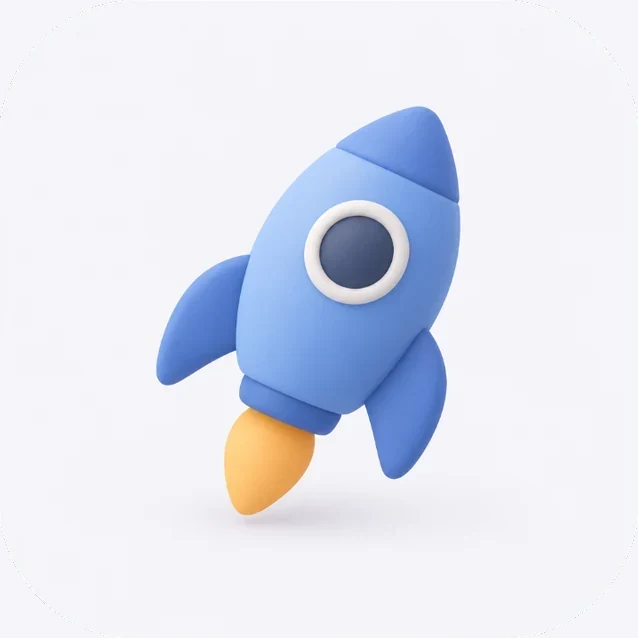
 1Saved as a new version. The original is still there.
Area 1 of 3
1Make the flame bright pink
Create new versionYour brand
Most styles take a preset palette or any HEX colour, and many have details of their own, such as sub-styles, expressions or outlines. The studio checks a colour before anything is generated.
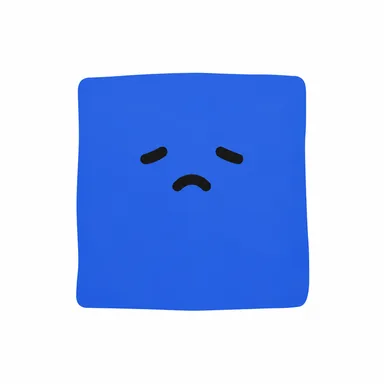
Try your brand colour on Geometric expression
Works on Geometric expression: the face stays easy to read.
Ship it
Check the icon where it will live, then download a PNG, one pack with every size iOS, Android and the web need, or SVG and layered PSD to keep editing in your design tools.
SVG (for some styles) and layered PSD use credits and come with Pro, Max or a credit pack. PSD layers are redrawn by AI, so check them before you rely on them.
Your appYour appEvery demo here replays real results from the studio; nothing is generated on this page. Your results will vary with your subject and settings.
Icon design ideas, how-tos and answers to common questions.
 Squarespace Favicon: Size, Format, Dark Mode and FixesOct 14, 2026
 App Icon Colours by Category: Data From 500 Top iPhone AppsOct 14, 2026
 Webflow Favicon: How to Add One, Sizes and Dark ModeOct 13, 2026
 Best AI App Icon Generators in 2026: 8 Tested, 15 ReviewedOct 13, 2026
 Best AI App Icon Generator 2026: AI Icon Creator Scored 82.5Oct 13, 2026
 Make Your First Icon in AI Icon Creator: 3 StepsYour first icon in the studio: describe one subject, pick one of 20 styles and generate. Where each control is, how long it takes and where the icon is saved.
 App Icon Styles: The 20 Styles ExplainedFlat, 3D, glass, metal or a character? What each of the 20 app icon styles in AI Icon Creator looks like, which apps it suits, and how to pick one.
 How to Write a Prompt for an AI App IconOne subject, one key detail, no text. Practical prompt tips for AI app icons, with good and bad examples and what to leave to the style and settings.
 App Icon Colours and Advanced Settings ExplainedLet the model pick your app icon colours or set your brand colour. What Auto means, which settings each style offers, and why some colours are flagged.
Describe the subject in a few words, pick one of 20 curated styles and create it in the studio. A simple subject with a clear silhouette works best, and afterwards you can mark up to 3 areas and say what should change in each.
Yes. Upload a photo, sketch or old logo in the studio or with the Image to icon tool and say what it shows. 17 styles accept a picture, and each one redraws the subject as a new icon rather than filtering your image.
Every icon downloads as a PNG or as an app icon pack with the iOS, Android and web sizes, built in your browser. "Download and export" in the help center lists every file. With Pro, Max or a credit pack you can also export an SVG (for some styles) or a layered PSD, which uses extra credits.
Not exactly: every run is new. The examples are real results from each style, so they show what the style does, while your subject, colours and details shape your result. If an icon is almost right, edit that area instead of starting again.
You can explore the styles, watch the demos on this page and use the free converters without an account. Creating icons in the studio needs an account and uses credits, and the studio shows the cost before anything is generated.
Yes. 20 styles are live now and we keep adding more, with no fixed schedule. New styles open to every account as they launch, and a subscription includes them at no extra cost.
Your app deserves an icon that feels like it belongs.

